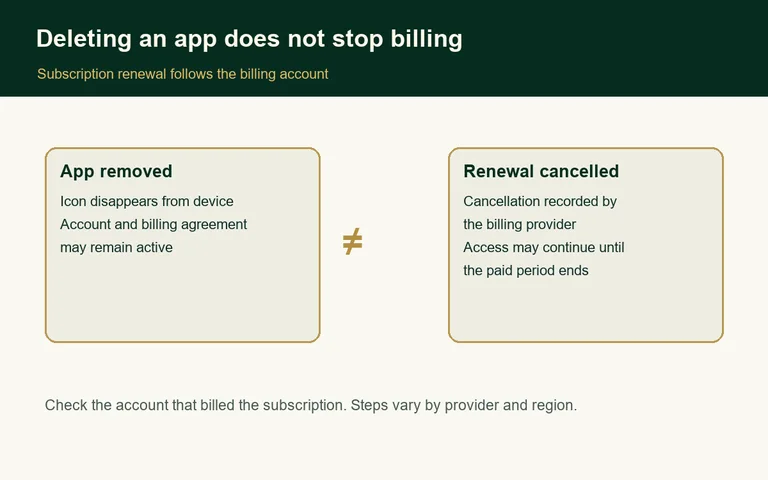
Deleting an app does not cancel its subscription
Removing software from a phone leaves a separate question: who controls the recurring charge?
By Grace Parker · · Daily Wise Report
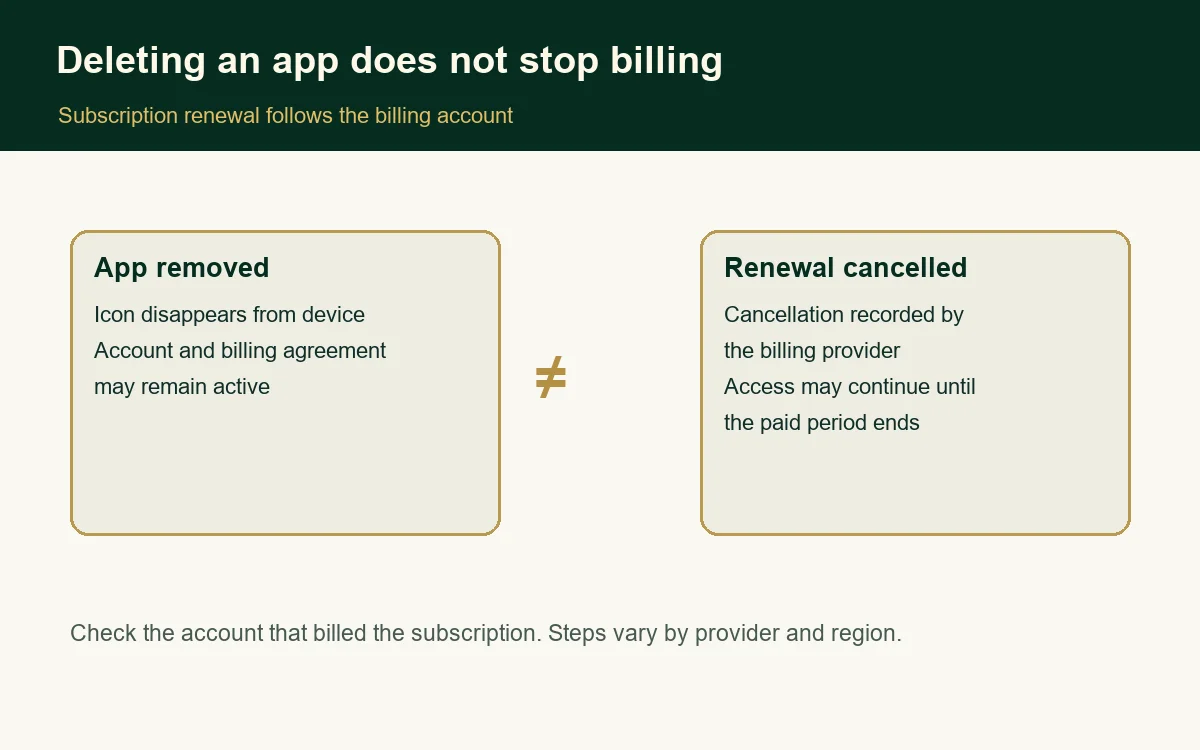
Removing an app clears its icon and may remove local data. It does not, by itself, tell the company or billing platform to stop renewing a subscription. Google Play says uninstalling an app does not cancel its subscription. Apple gives the same warning for in-app subscriptions.
A service may continue billing the account used when a subscription began, even after the app is gone from the device. The charge follows the billing route shown on the receipt: an app store, the service itself, a mobile carrier, or another provider.
Three separate records
A subscription involves the software installed on a device, the account used to access the service, and the recurring billing agreement. Deleting the first changes the device. It does not necessarily change the other two.
For example, someone starts a monthly plan through an app store, then deletes the app while clearing storage. The billing platform can still hold an active renewal instruction. The next charge can arrive even though the app is no longer visible.
A customer who signed up on a company’s website and pays it directly may not see the renewal in Apple or Google settings. The cancellation route depends on how the original purchase was made.
Find the account that controls renewal
Start with a receipt or card statement. Check the account associated with that purchase, especially when a household uses more than one Apple or Google account. A subscription can be missing from the account currently signed in because another account started it.
Apple directs customers to the Subscriptions section of Apple Account settings. Google Play directs customers to its Subscriptions page, where the plan can be cancelled. Google says access can continue through the period already paid. Screens and rules differ by device, account, country, and purchase route.
| Action | What it changes | What to verify |
|---|---|---|
| Delete the app | Removes software from device | Whether renewal remains active |
| Cancel renewal | Stops future renewal under provider rules | Effective date and payment plan terms |
| Remove a card | Changes payment method | Whether subscription itself was cancelled |
Cancellation has limits
Stopping future renewal does not always reverse a payment already made. Google Play says access can continue through the paid period and refunds follow its policy. A payment plan can involve remaining instalments even after renewal is turned off. Apple notes procedures can vary by region.
Keep the cancellation confirmation, note the stated expiry date, and check a later statement when a renewal date is close. If a subscription is not listed where expected, the receipt can help identify who handles billing.
Scope and limits
This overview describes common app-store and direct-billing arrangements. It does not determine a particular contract, refund, or local consumer-law right. The provider’s current account page and terms determine cancellation route and timing.
Sources: Google Play Help; Apple Support; Apple Support on deleting apps.
Grace Parker Editorial Policy · Corrections
Leave a Reply