Cloud Sync and Backup Can Protect Against Different Kinds of File Loss
Keeping current files consistent across devices is different from preserving an earlier recoverable state. More synchronized locations do not automatically mean independent recovery copies.
Deleting a file on a laptop can also remove it from a synchronized cloud folder. Both locations follow the same changes, including an unwanted deletion or overwrite, so the second location may offer less independence than it appears to.
Current-state consistency and recovery history differ
Microsoft’s OneDrive synchronization explanation describes additions, changes and deletions being reflected between a synchronized folder and the cloud. This illustrates a consistency mechanism. It does not establish that every cloud service has identical behavior or recovery features.
The following fictional arrangement separates a current synchronized folder from an earlier independent snapshot. The snapshot is assumed to remain retained and accessible throughout the example.
| Stage | Laptop current folder | Cloud current folder | Earlier independent snapshot |
|---|---|---|---|
| Before deletion | File present | File present | Earlier file present |
| After deletion synchronizes | File absent | File absent | Earlier file still present |
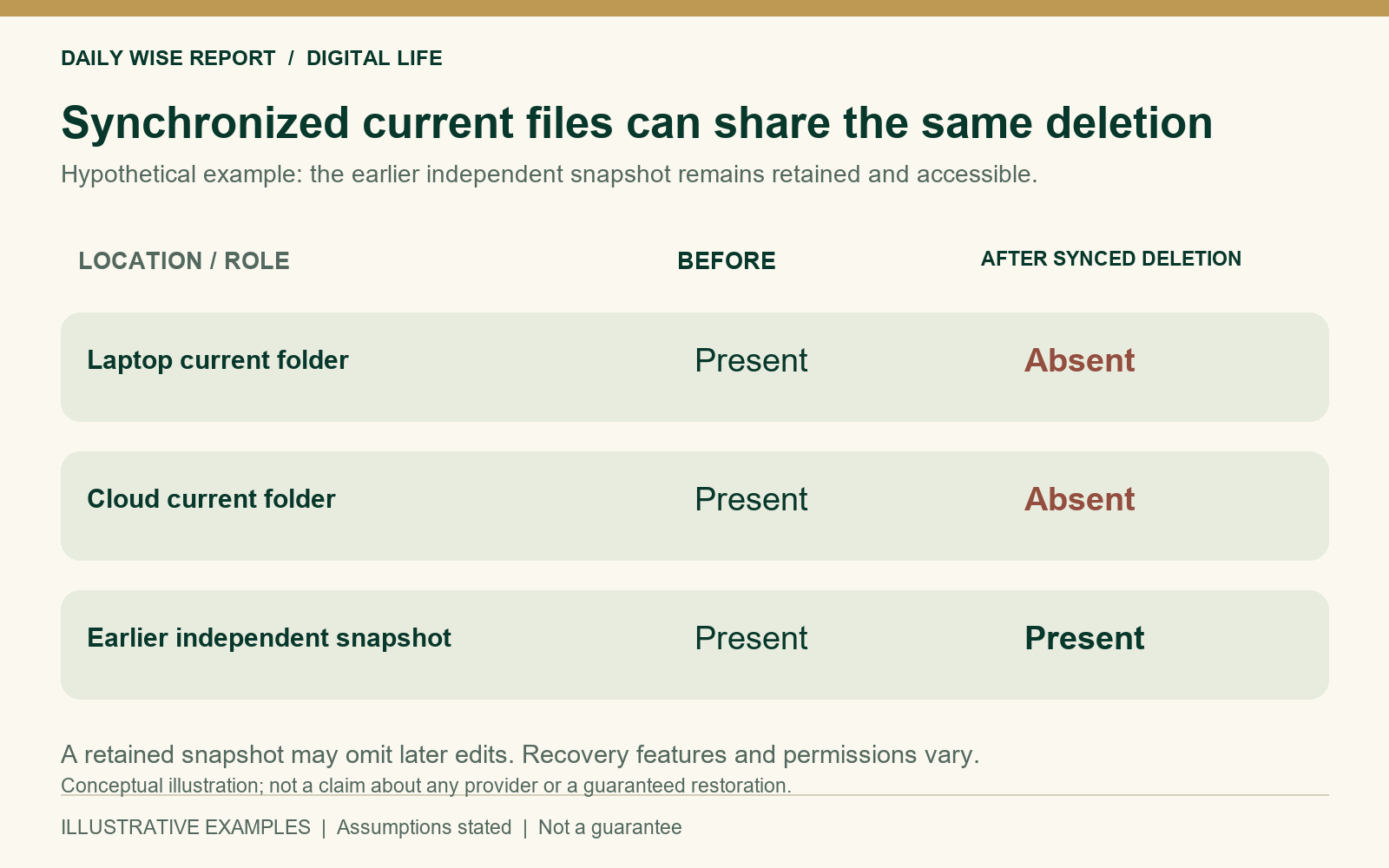
What happens after the deletion
The laptop and cloud folder start with matching files. Synchronization then carries the deletion to both current views; the two locations share this failure mode.
The retained snapshot still holds the earlier file because it stays unchanged in this model. Restoring it could lose any edits made after the snapshot was taken.
Recovery features have their own boundaries
Microsoft’s deletion documentation describes recycle-bin recovery features for its service. Such mechanisms can make a synchronized deletion recoverable, so a deletion from the current folder does not automatically mean permanent loss.
Recovery depends on retained history, permissions and product settings. A service can synchronize current files and also preserve backup history, so its functions need to be considered separately.
Stored copies can share a failure mode
The UK National Cyber Security Centre discusses limitations of relying solely on cloud-service recovery mechanisms. A copy reachable through the same compromised account can face a different risk from one whose recovery controls are separate.
A stored file helps with recovery only if it can still be found, decrypted and opened. A successful upload or a storage count supplies only part of that information. No probability of device failure, account compromise or successful restoration is assumed here.
Scope and limitations
The arrangement is hypothetical. Actual sync rules, versioning and recovery costs vary. No storage provider, backup schedule or product configuration is recommended, and no method is presented as protection against every form of loss.
Leave a Reply